funniiDelay
A multi-tap delay where every echo is yours to shape.
Built for a mouse. It works best on a larger screen.
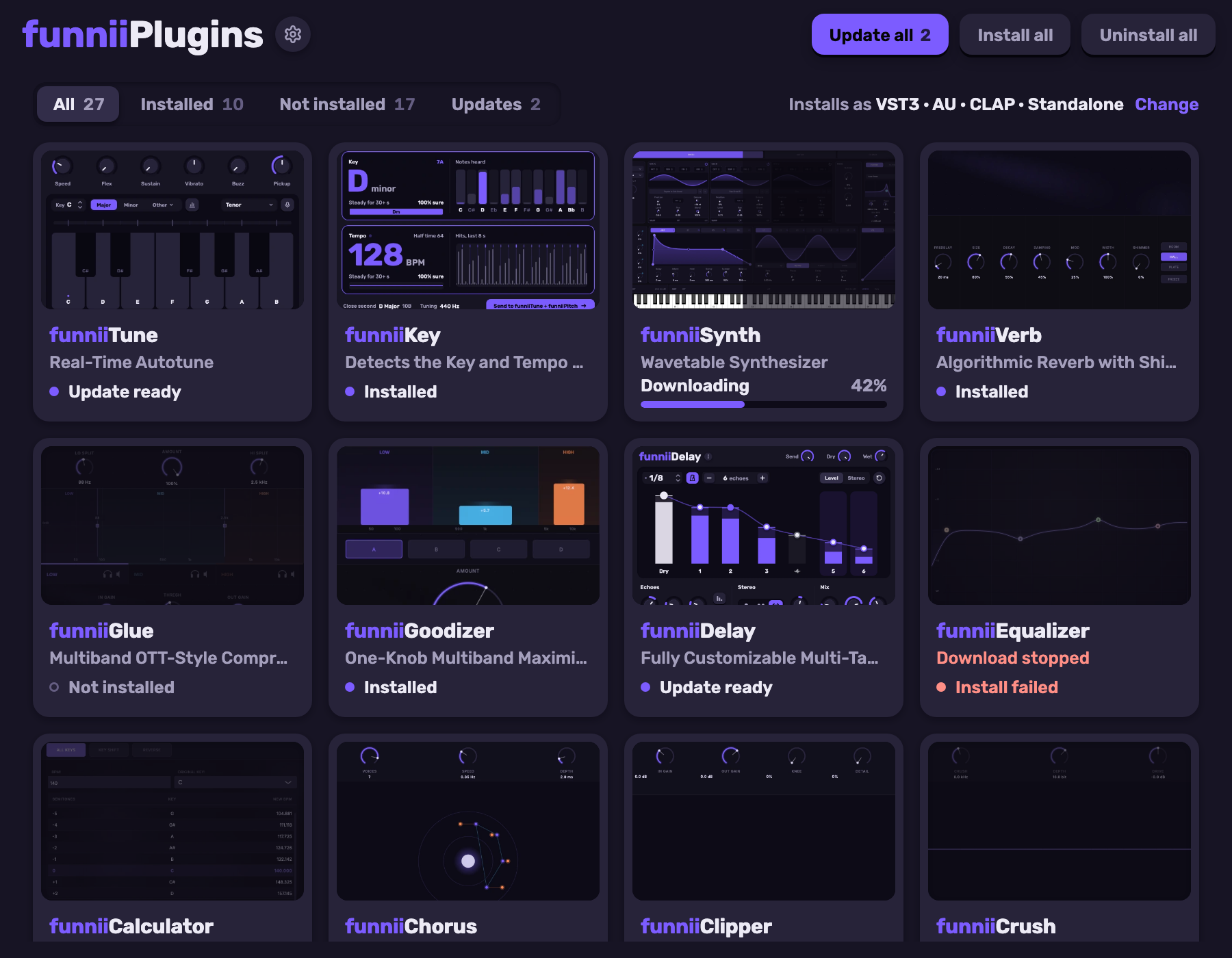
Install funniiPlugins
One installer for every funnii plugin, funniiDelay included. Pick what you want and install or update in one go.
Install funniiDelay by itself
What it does
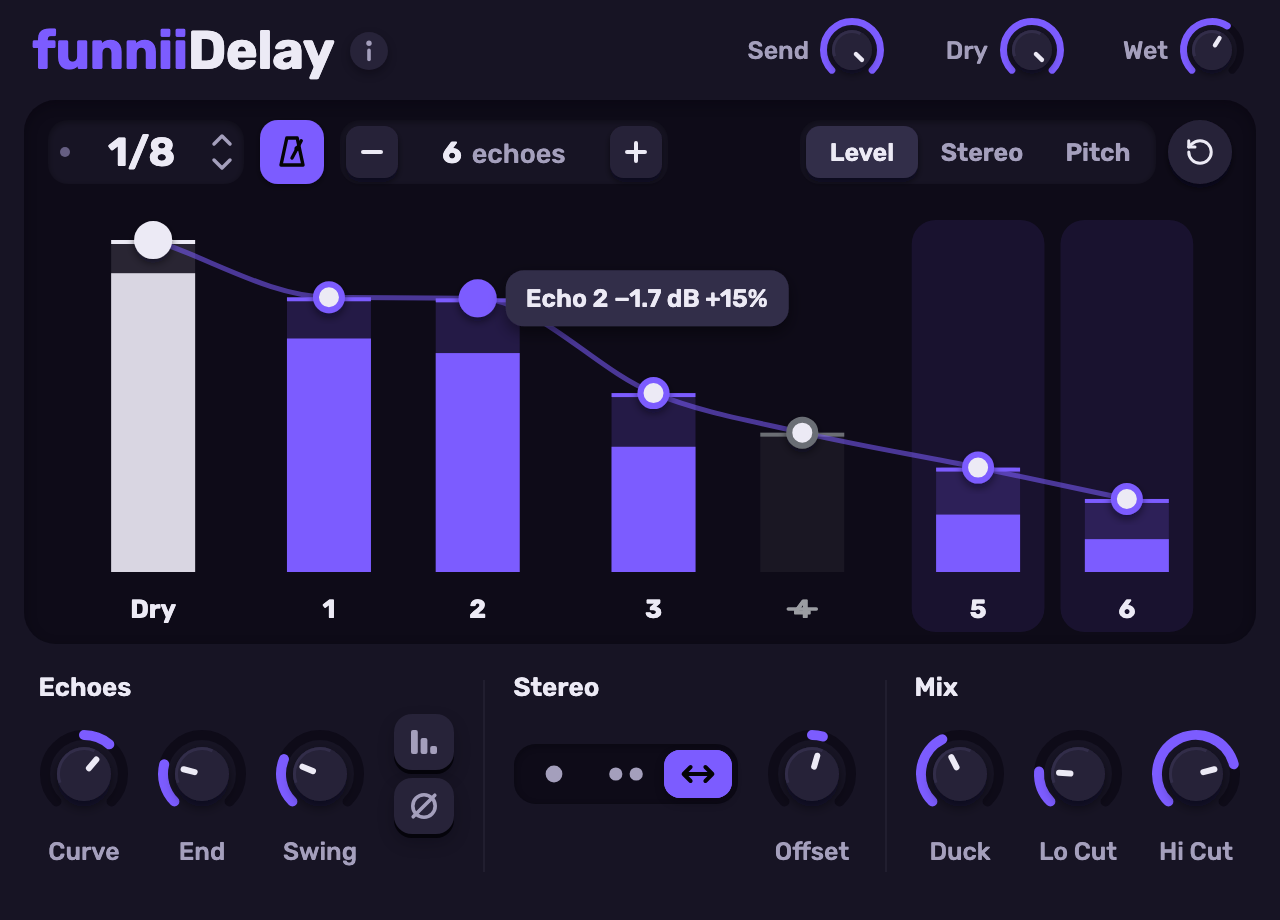
Each column is one echo, up to sixteen of them. Click one to mute it, drag its top to set its level, then switch the display to place it in the stereo field or pitch it. Drag across several to edit them together.
Time runs free in milliseconds or locks to note divisions. Mono, stereo and ping-pong modes, with Offset and Swing, decide where the echoes land. Duck keeps them out from under your vocal, and Send throws only the words you choose.
In the demo
- Click an echo
- Mutes it. Click again to bring it back.
- Drag an echo’s handle
- Sets its level, or its pitch in whole semitones in the Pitch view.
- Level, Stereo, Pitch
- Switches what the display edits.
- − and +
- Removes or adds an echo.
- Mono, stereo, ping-pong
- Changes where the echoes land.
- Offset, Swing, Duck
- Drag the knobs and the display follows.
- The i button
- Opens the About page and the colour picker, which recolours the whole plugin.
In the plugin itself, right-click a knob to type a value, double-click to reset it, and scroll to fine-adjust.