funniiTune
Real-time pitch correction for vocals.
Built for a mouse. It works best on a larger screen.
Install funniiPlugins
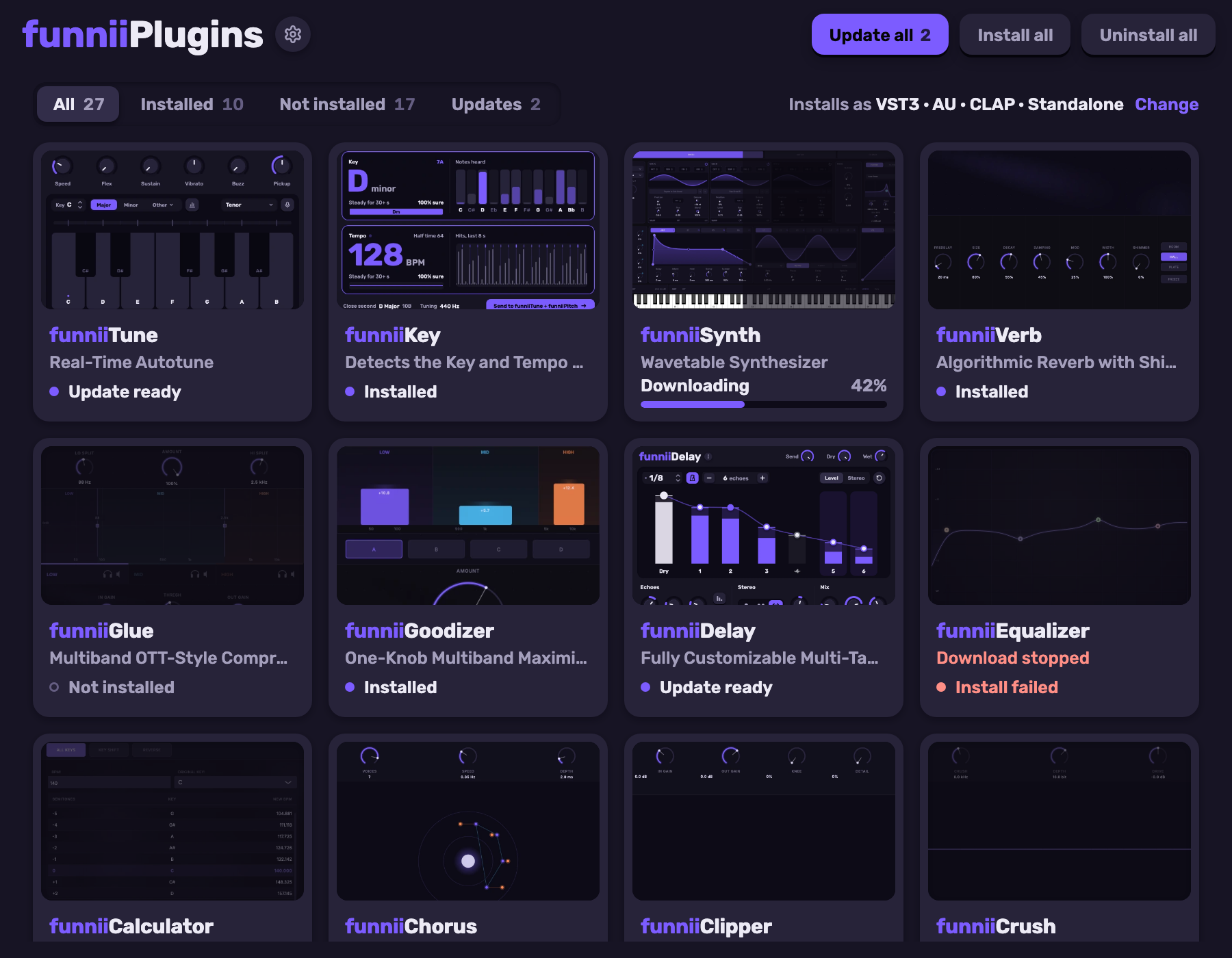
One installer for every funnii plugin, funniiTune included. Pick what you want and install or update in one go.
Install funniiTune by itself
What it does
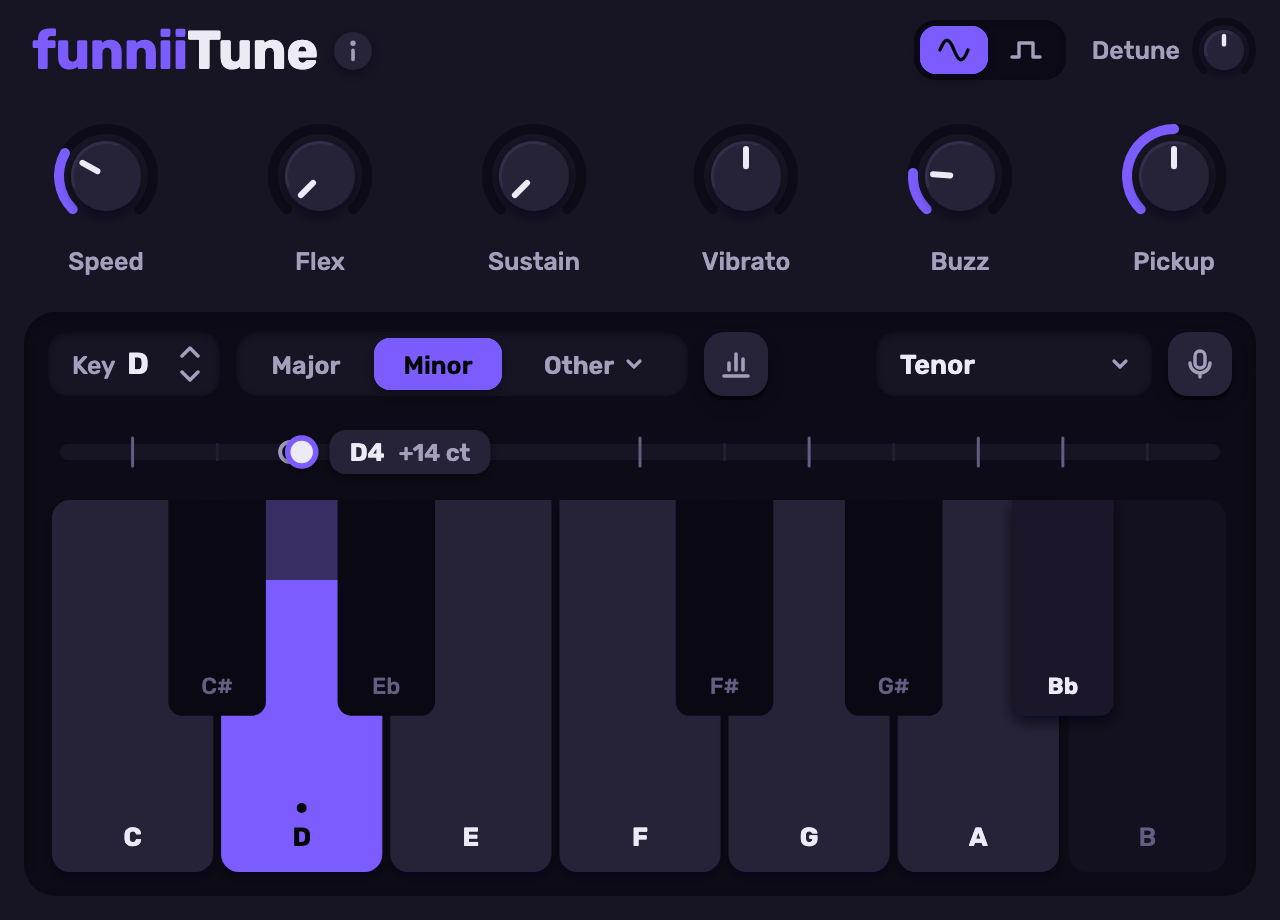
Every note you sing is pulled to the nearest one in your key and scale. Speed sets how hard: 0 is an instant, hard snap, and slower settings keep the voice natural.
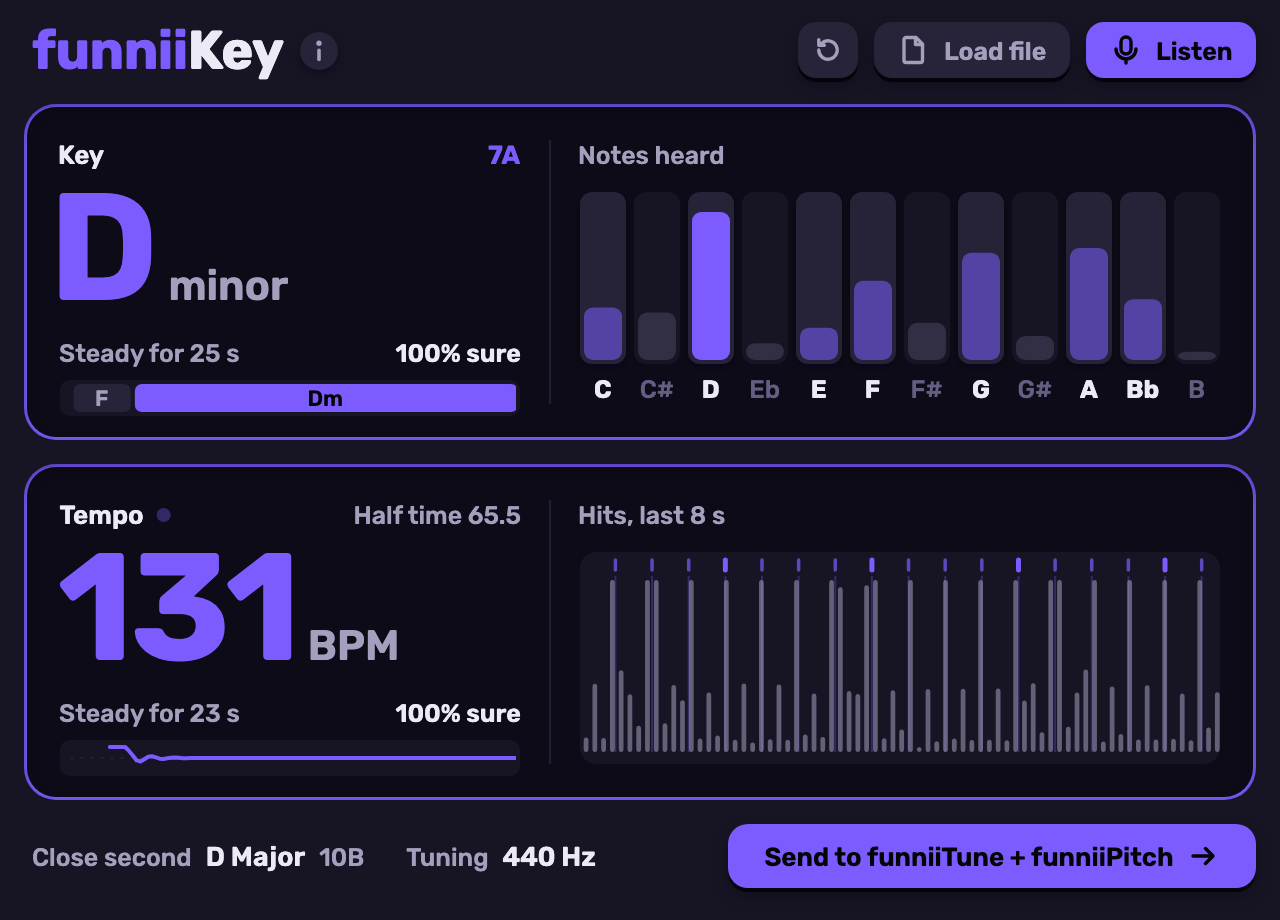
Six knobs set how it follows your voice: Speed, Flex, Sustain, Vibrato, Buzz and Pickup, which decides how readily breathy or noisy input counts as a note. Detune moves the A4 reference between 420 and 460 Hz. Send the key from funniiKey and the key and scale here follow.
In the demo
- Waterfall button
- Hides the knobs and shows the voice over time, rising out of the keys.
- Analog, Digital
- Analog follows every note a slide passes through. Digital locks hard and skips them.
- Drag a knob
- Moves it. Detune sits at the top right.
- The i button
- Opens the About page and the colour picker, which recolours the whole plugin.
In the plugin itself, click a key to put it in or out of the scale, and use Detect, then sing, to set your vocal range. Right-click a knob to type a value, double-click to reset it, scroll to fine-adjust.